
How Leveling Builds an Active Discord Community
Learn how Strom leveling rewards meaningful Discord participation with configurable XP sources, ranks, leaderboards, and role rewards.
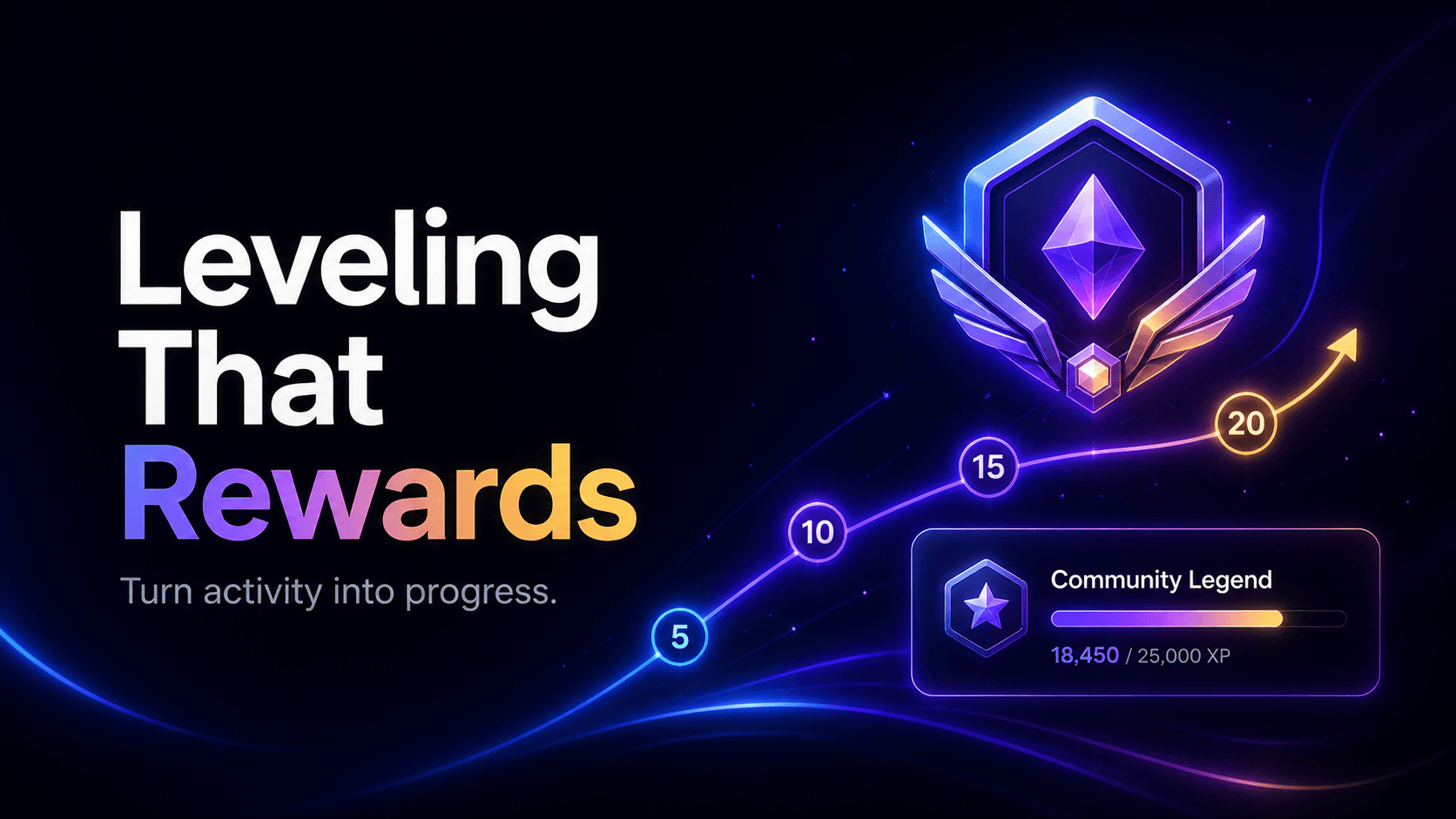
A leveling system gives everyday participation a visible sense of progress. Members see their activity become XP, levels, rank positions, and eventually role rewards. Used thoughtfully, it can help a quiet Discord server develop habits that keep conversations moving.
The important word is thoughtfully. A healthy leveling system should recognize the behaviors your community values without turning every channel into an XP farm. Strom gives staff control over the XP sources, earning rate, cooldown, ignored members, announcements, and rewards so the system can fit the community instead of defining it.
What Strom's Leveling module does
Strom keeps a separate XP and level record for each member in a server. As eligible activity arrives, the bot applies the configured rules, adds XP, calculates the member's new level, and announces a level-up when appropriate.
Depending on your server's plan and configuration, XP can come from:
- text messages
- completed minutes in voice channels
- thread participation
- forum activity
- bot command use
- successful invites
- media sharing
- reactions
These sources can be enabled individually. A discussion server might focus on text, threads, and forums, while a gaming community may give more weight to voice activity. You do not need to reward everything.
Why leveling can improve participation
Levels work because progress is easy to understand. A member does not need to learn a complicated points system: they participate, gain XP, and move toward the next milestone.
That creates several useful feedback loops:
- Progress becomes visible.
/rankshows a member's current position and XP journey. - Consistency matters. Cooldowns favor participation over rapid message bursts.
- Recognition scales. Level roles let the community acknowledge milestones without staff assigning every reward manually.
- Friendly competition appears naturally.
/leaderboardshows the most active members. - Different contributions can count. Voice, forums, invites, media, and other enabled sources can recognize more than chat volume.
The best outcome is not the largest message count. It is a server where more members have a reason to return and contribute.
Configure XP around meaningful behavior
Start by deciding what “participation” means in your server. Then enable only the sources that support that definition.
Strom lets you configure the XP rate and its time frame, a cooldown between eligible actions, a level multiplier, and a maximum level. The multiplier shapes how quickly later levels become harder to reach. The cooldown helps prevent members from gaining XP from every message in a rapid burst.
Voice XP is handled differently from message activity: it is awarded for completed time in voice and is not controlled by the text-style cooldown. Strom can also ignore members who are muted or deafened and pause voice credit in the server's AFK channel.
For a balanced first configuration:
- Enable two or three sources that match your community's main activities.
- Use a meaningful cooldown for text-based XP.
- Keep early levels reachable so new members see progress.
- Make higher milestones take progressively more effort.
- Review the leaderboard after a week and adjust obvious farming opportunities.
Reduce XP farming and noise
Any reward system changes behavior. If XP is too easy to earn, members may split one thought into many messages, react without purpose, or sit inactive in voice.
Strom includes several controls that help:
- Ignore bots so integrations cannot earn levels.
- Ignore muted members for voice XP when appropriate.
- Ignore the AFK channel so idle voice time does not count.
- Use the earning cooldown to reduce message farming.
- Enable only the sources your team can monitor.
- Choose level rewards that recognize participation without granting sensitive permissions.
Moderators should still publish a short rule explaining that spam or artificial activity can be removed. Automation is strongest when members also understand the intent behind it.
Turn levels into useful role rewards
Strom can assign a Discord role when a member reaches a configured level. Each milestone can also have its own message, turning a routine level-up into a community moment.
Good rewards include cosmetic colors, veteran labels, access to social channels, or eligibility for community events. Avoid attaching moderation or administrative permissions to an activity reward.
For role rewards to work, Strom needs Manage Roles, and the Strom role must sit above every reward role in Discord's role hierarchy. A reward can be configured correctly and still fail if Discord does not allow the bot to assign it.
Make level-up messages feel native to your server
Choose an announcement channel and customize the level-up message. Strom supports member and level placeholders such as the user's tag and current level, so one template can personalize every announcement.
Keep these messages short. A busy community may prefer a dedicated achievements channel, while a smaller server can celebrate directly in general chat. If announcements begin interrupting conversation, move them rather than disabling the whole progression system.
Commands members and staff can use
| Command | Purpose | Typical access |
|---|---|---|
/rank |
View your rank card; use its hidden option for a private response | Everyone |
!rank [@user] |
View a rank through the prefix command | Everyone |
/leaderboard |
View the server's leading members | Everyone |
/addxp |
Add XP to a member | Staff |
/addlevel |
Add levels to a member | Staff |
/resetxp |
Reset one member's XP | Staff |
/resetxpall |
Reset all server XP after confirmation | Staff |
Staff adjustment commands are useful for corrections and special events, but they should be used consistently. A leaderboard loses meaning if manual awards are unpredictable.
A practical launch checklist
- Enable the Leveling module in the Strom dashboard.
- Select the XP sources included in your plan.
- Configure XP rate, cooldown, multiplier, and maximum level.
- Decide whether bots, muted members, and AFK voice activity should be ignored.
- Select an announcement channel and write the level-up message.
- Add a small set of role milestones.
- Confirm Strom's channel and role permissions.
- Test
/rank, earn eligible XP, and verify a reward with a test role.
Common leveling problems
Members are not earning XP
Confirm the module and the relevant XP source are enabled. Then check cooldown rules, ignored-member settings, channel access, and whether that source is available on the server's plan.
Voice XP is missing
Voice credit is based on completed eligible time. Check whether the member is muted, deafened, or in the AFK channel, and review the server's voice XP settings.
A reward role was not assigned
Give Strom Manage Roles, move its role above the reward role, and make sure the reward role is still present in the server.
The leaderboard rewards spam
Increase the cooldown, reduce the rewarded sources, moderate artificial activity, and make the reward structure less dependent on raw message volume.
Build progress without losing the community
Leveling works best as a layer of recognition, not the purpose of the server. Give members progress they can see, reward the behaviors you genuinely want, and keep the settings strict enough that real participation remains the fastest path forward.
With Strom, the system can begin simply and grow with the community: a few XP sources, a clear rank card, a leaderboard, and milestones worth celebrating.